Entering
expo.out or power3.out
Brief Library / Free Website Animation Cheat Sheet
The formula, the eases and 5 real briefs from the Directed Motion Pack.
"Animate my hero" gets you a fade. A brief gets you motion that feels designed. This free cheat sheet shows how to write one: the five questions every motion line answers, the eases that fit each job, and five real briefs from the Directed Motion Pack.
Works with: Claude, ChatGPT
Get it free on Whop See 14 free examples
Use the same structure every time. Every brief in this pack follows it (The Brief Formula):
Copy a brief, replace every [PLACEHOLDER] with your details and paste it into your AI tool.
expo.out or power3.out
power2.in
power3.inOut
none (linear)
sine.inOut
back.out(1.5 to 3)
elastic.out(1, 0.4), use rarely
Cut every duration by 30% and every stagger in half. Keep the eases.
Replace every linear ease on entrances with expo.out. Keep linear only on loops.
Keep overshoot only on [element]. Everything else power3.out.
Stagger the elements 60 to 80ms apart in reading order. The button lands last.
Remove every loop except one. Make the one that stays at least 4s per cycle.
Animate only transform and opacity. No width, top, left or shadows inside loops.
Respect prefers-reduced-motion: show the end state and keep loops off.
Free Motion Brief Cheat Sheet: Animate Websites with Claude + GSAP
Give the model the same parts every time: WHAT MOVES, FROM WHERE, HOW LONG, WHICH EASE, IN WHAT ORDER. Fill each part with specifics such as sizes, timings, counts and what to avoid, instead of adjectives. The free briefs on this page show the full structure filled in.
Claude, ChatGPT or any model that writes HTML, CSS and JavaScript. The briefs ask for one HTML file with GSAP loaded from a CDN.
A PDF, a page with copy buttons for every brief and a plain text file.
No. The brief tells the model what to build. You save the result as an HTML file and open it in a browser.
The cheat sheet has the formula and 5 briefs. The pack has all 30 briefs plus the finished component for each one.
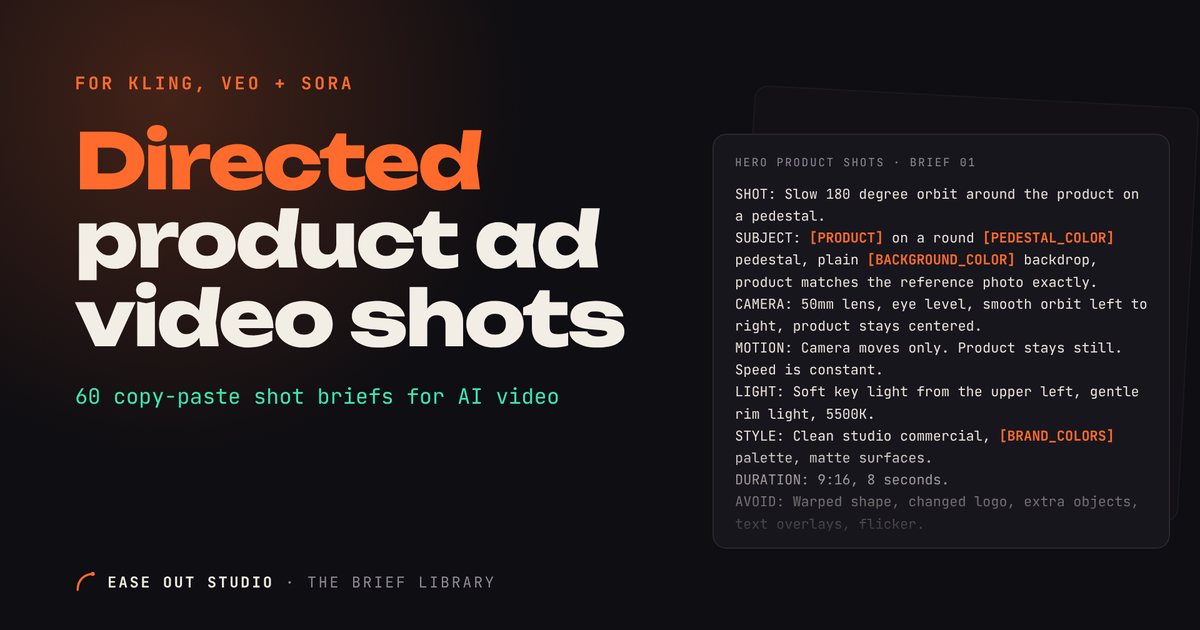 $15
60 copy-paste shot briefs plus 6 storyboards and 6 fixes for AI product videos in 9:16, built for Kling, Veo, Sora and more.
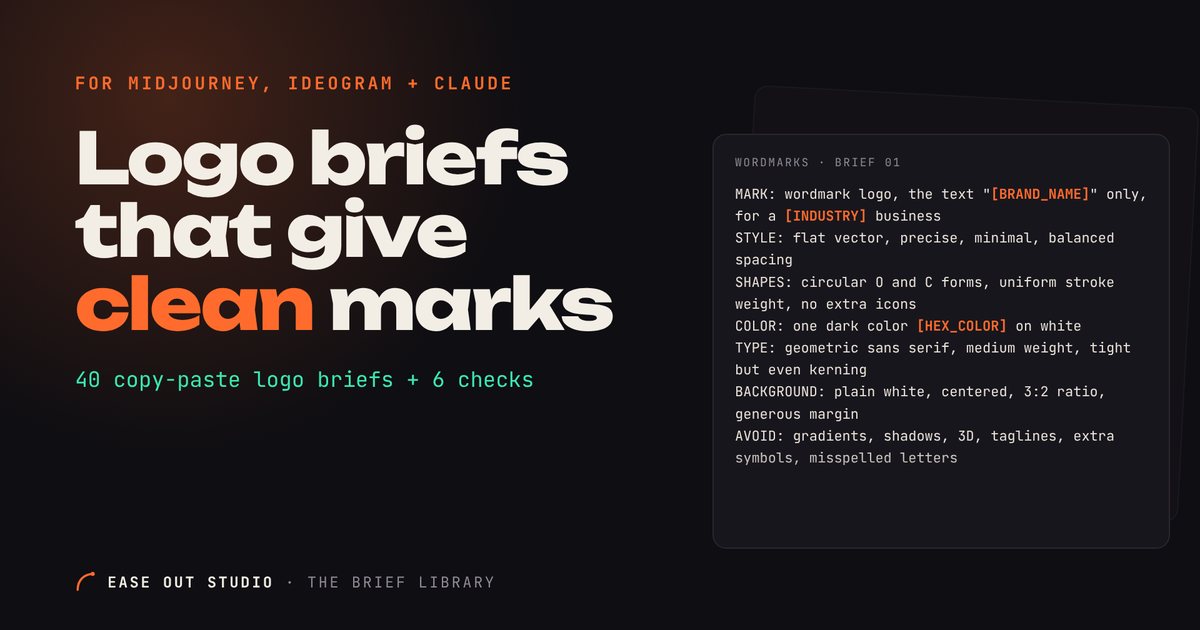 $12
40 copy-paste logo briefs for Midjourney, Ideogram, GPT Image and Claude SVG, plus 6 checks to run before you use a logo.
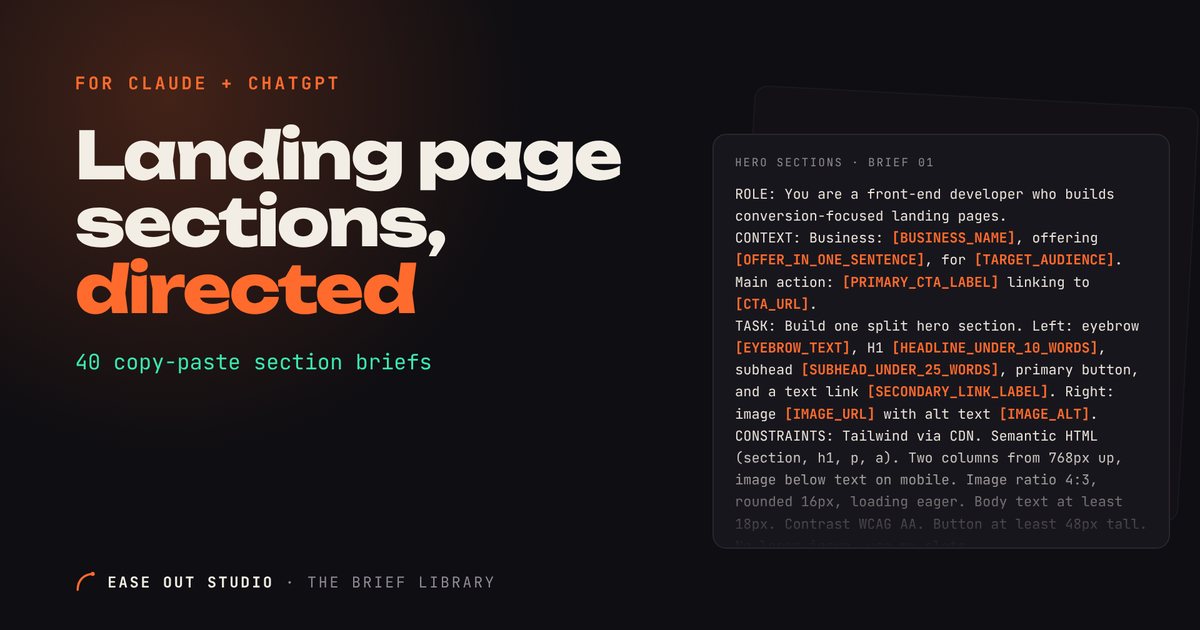 $12
40 copy-paste briefs that make Claude or ChatGPT write one clean, responsive HTML + Tailwind landing page section at a time, plus 6 fix-it follow-ups.